Case 03 · Learning product
Opis tego projektu jest dostępny tylko po angielsku.
Space Academy
AI-backed 3D learning game · EN / PL
It began as a small learning app for two children: 14 story missions about AI, science and space. I turned it into an academy they can explore. In a product for children, AI feedback cannot decide anything on its own, so the whole product rests on one rule: an AI reply counts only after the product has checked it.
The largest of the three: a server, a paid AI model and fourteen 3D worlds. Built in milestones; Milestone 2 was accepted only after independent review and QA.
Live demo Deployment in preparation. No public link yet.
- Problem
- A question-led learning app had to feel like exploring, without breaking the missions, scoring and AI feedback that already worked.
- My role
- Bartosz Rentflejsz, product owner and build lead: the concept, the rules the system must keep (privacy, safety, cost), acceptance and every approval. Claude Opus as lead implementer, Codex as independent reviewer.
- Solution
- An academy of 14 pocket worlds, where an AI reply counts only after the product has checked it and fixed rules award the points.
- Evidence
- 112 unit and integration tests. 40 of 40 browser scenarios in the last full run. Independent review and QA. One end-to-end run against the real model, done by me.
- Status
- Milestone 2 complete Independently reviewed and checkpointed. Deployment in preparation, not public yet.
01 · Problem
A place to explore, without breaking what worked
Story lessons for two children had to become a place to explore, with AI feedback kept inside clear checks. The missions, scoring and AI feedback that already worked had to keep working.
02 · My role
Builder, reviewer, owner
The workflow simulated on the home page's monitor, on a real project. An AI coding assistant implements, a second one reviews independently, and I set the direction, accept the work and approve each step. A finding becomes a failing test before it becomes a fix.
- BuilderMilestone 2 built
Hub and 14 worlds on one shared mission store, so the 3D and classic views share every rule. Built by Claude Opus to my brief, including my rule for the characters: lightly stylised, no photorealistic child's face.
- ReviewerIndependent review
Codex tested the build and logged 11 findings. Two rated high: progress lost between two open tabs, and a bare AI grade that still paid out points.
- BuilderStability pass
Each bug reproduced as a failing test, then fixed. Unit tests 72 to 95, browser scenarios 30 to 36; the cost finding became the cost guard.
- OwnerParent reset
My call: real progress is reset only by a parent, per explorer, behind a confirmation. Browser scenarios: 40 of 40.
- BothRoles swapped
Codex implemented two approved fixes, including dropping AI replies that arrive after a reset; Claude reviewed them independently: pass. 112 of 112 unit tests.
- OwnerCheckpoint approved
I approved the Milestone 2 checkpoint and deployment preparation began. First step: the start screen's background video, from 72.6 MB to 1.88 MB.
03 · Solution
An academy to explore, with AI inside clear checks
- Product
- Academy Hub, 14 pocket worlds in 5 families, separate progress for two explorers, saved progress and quest resume, keyboard, mouse and touch, a collision-aware camera, and a classic 2D view on the same progress.
- AI boundary
- The browser sends only the mission, the answer and the language. The server adds the trusted question and grading guidance, checks every reply, and fixed rules award the points.
- Built with
- React, Vite, three.js with React Three Fiber and Rapier, Node and Express, the OpenAI API. Tests in node:test and in Chrome.
One mission, end to end, in six real screenshots
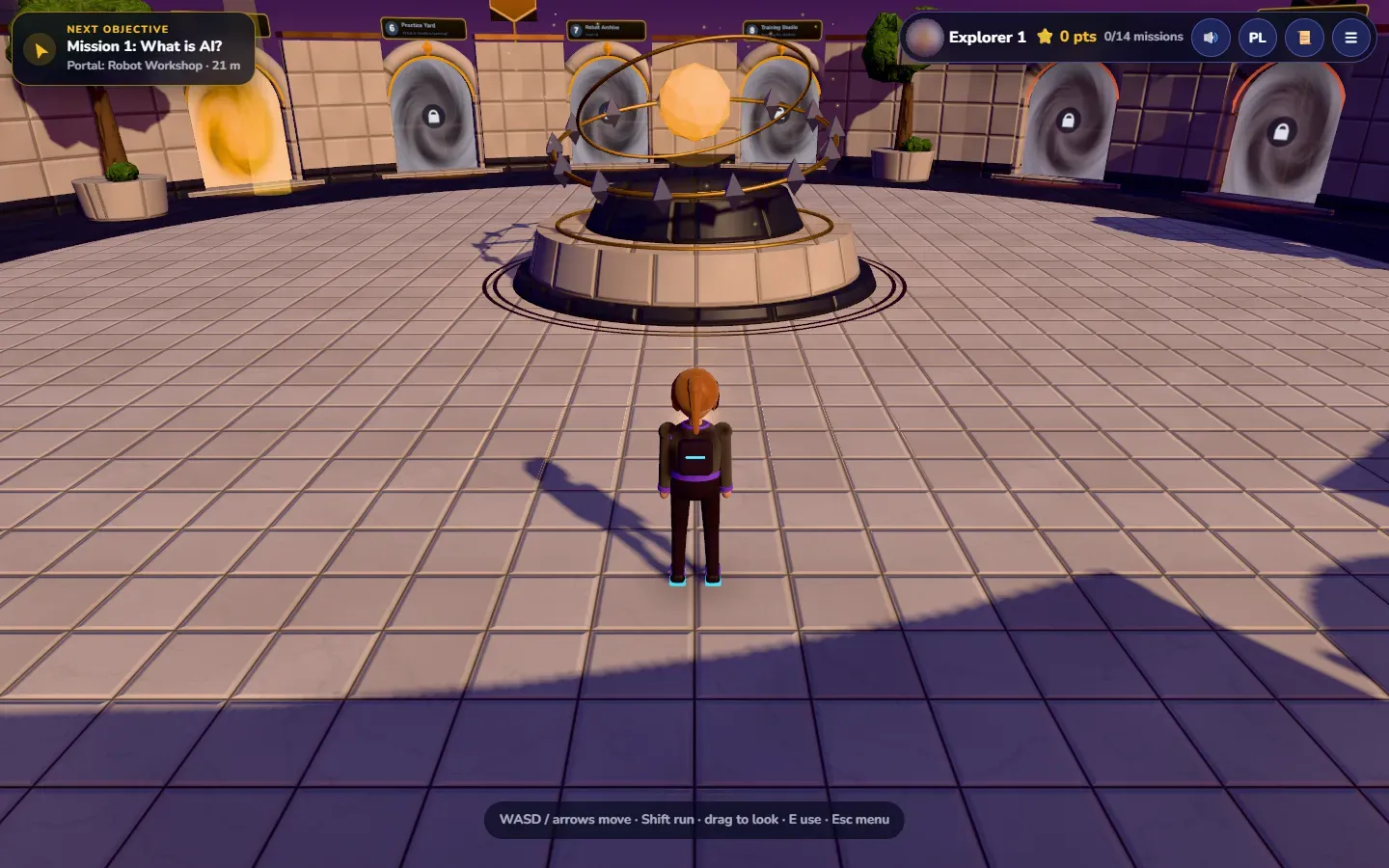
01 · Academy Hub The progress core and 14 portals. The objective points to the next open portal; a locked portal waits for the mission before it.
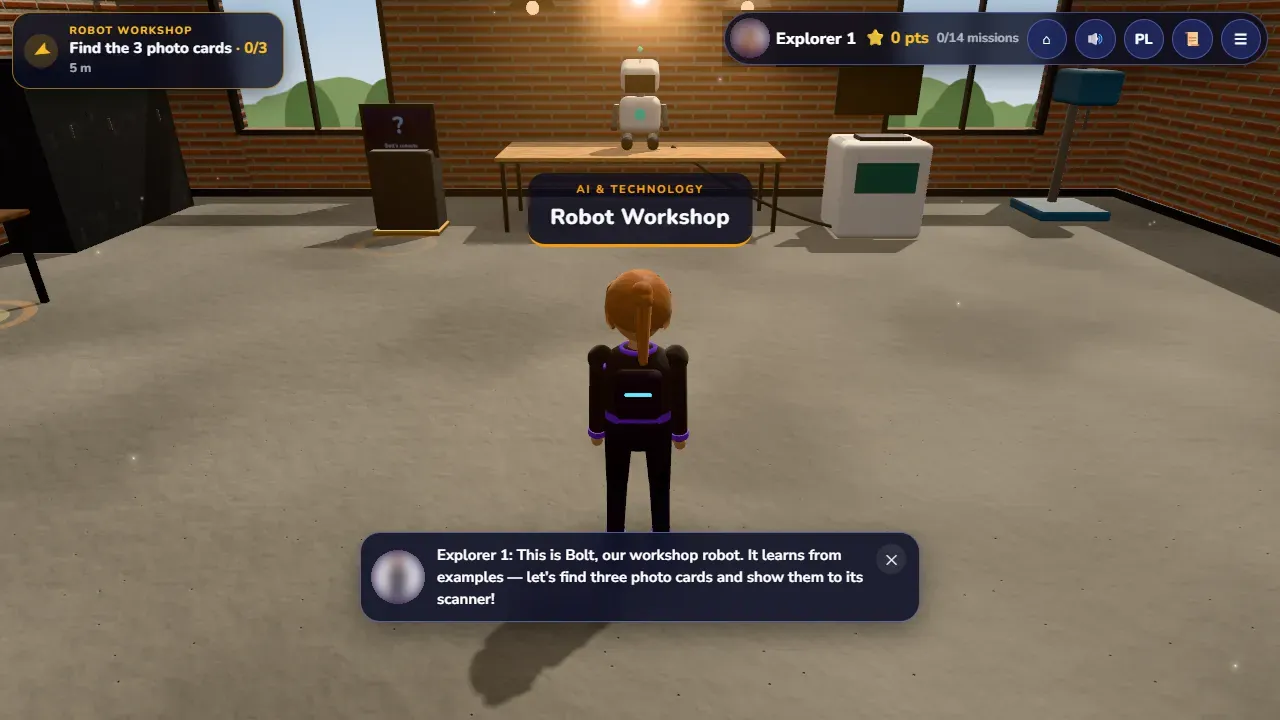
02 · Pocket world Each portal opens one small world. The explorer's first line sets up the task: here, a robot that learns from examples.
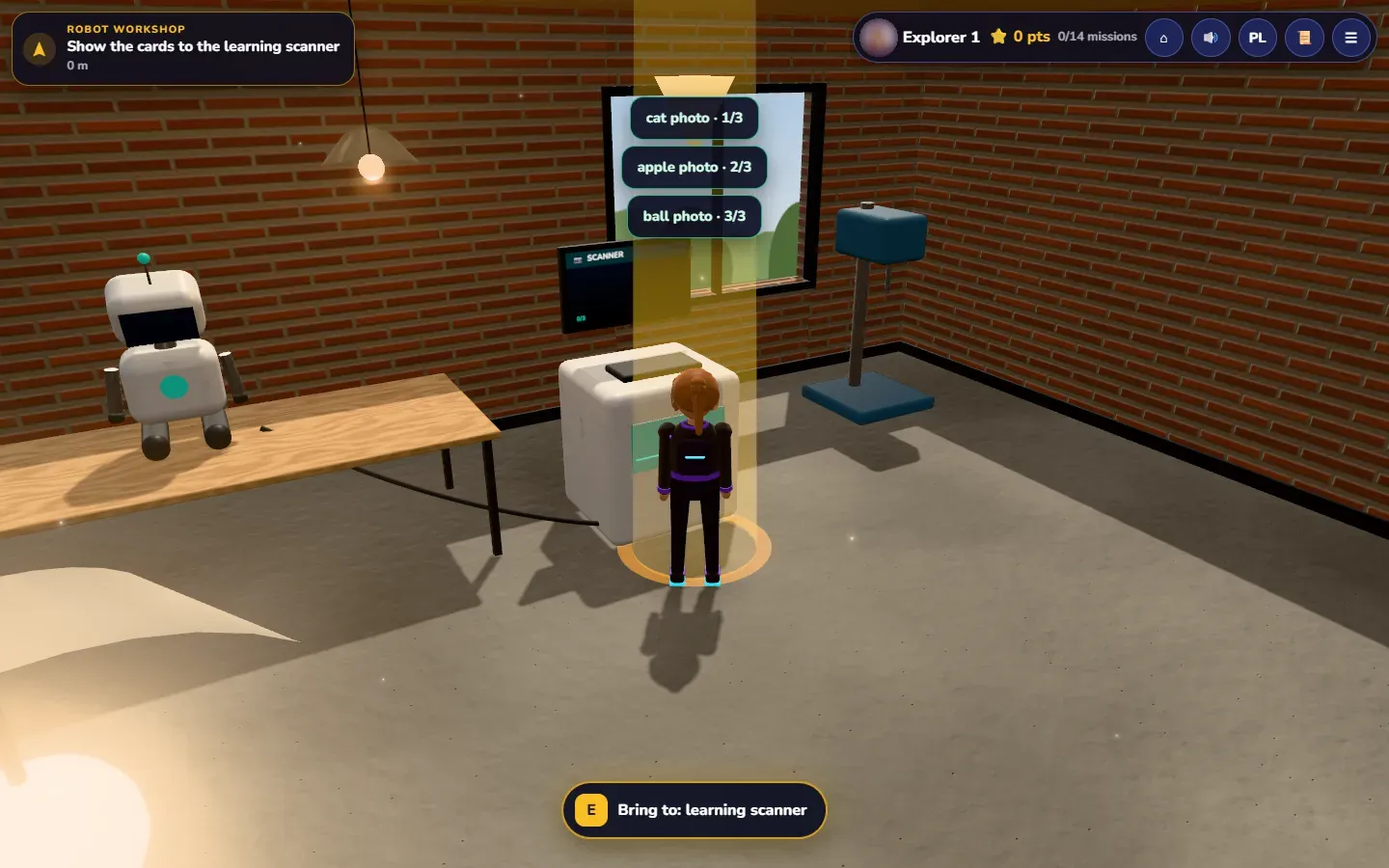
03 · Quest A hands-on task comes before the question: three photo cards for the learning scanner. A wrong move gives a hint, never a penalty.
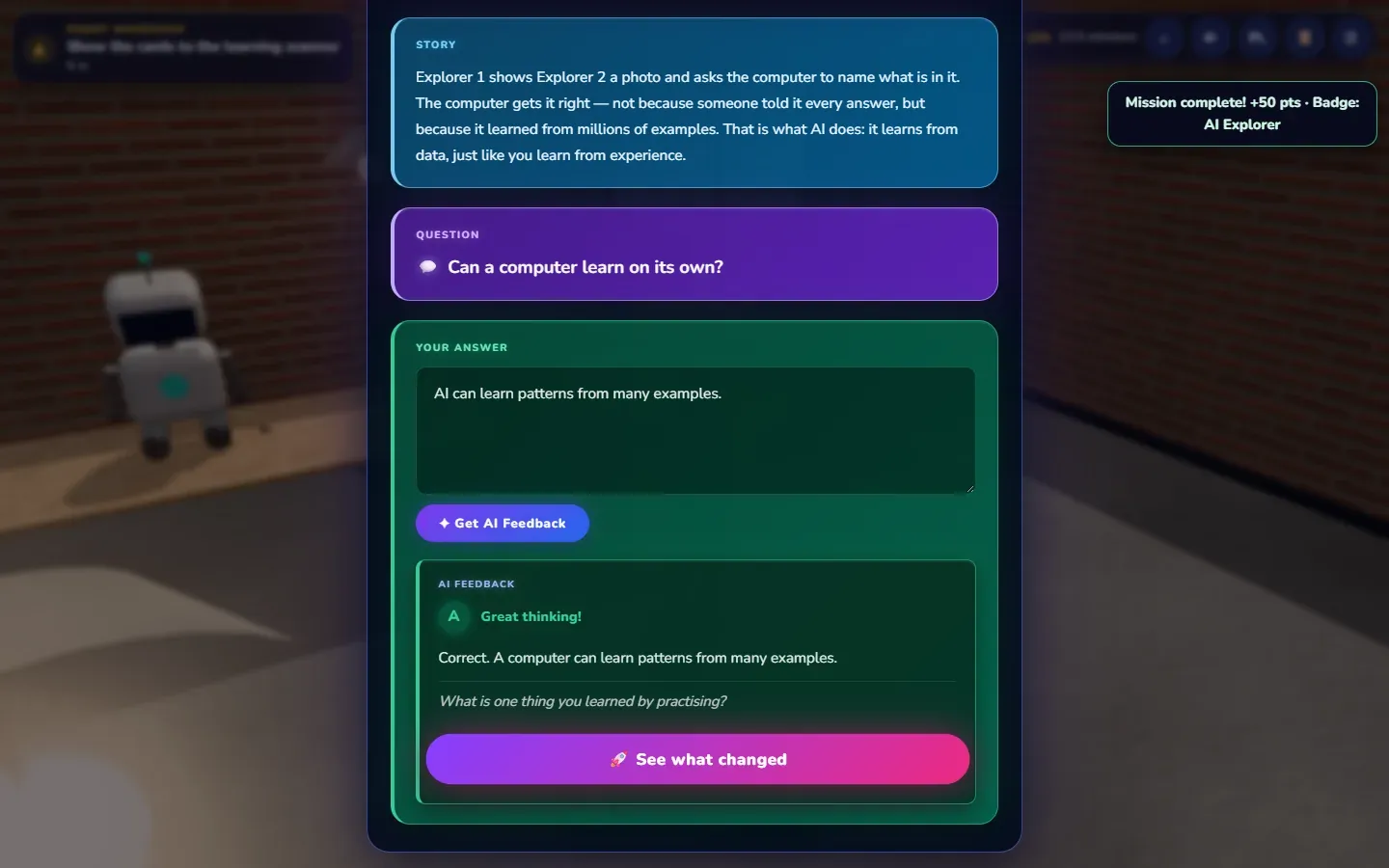
04 · Answer and feedback The child answers in their own words. A checked grade A pays 50 points once and completes the mission. This reply was a controlled local response, not a live model call.
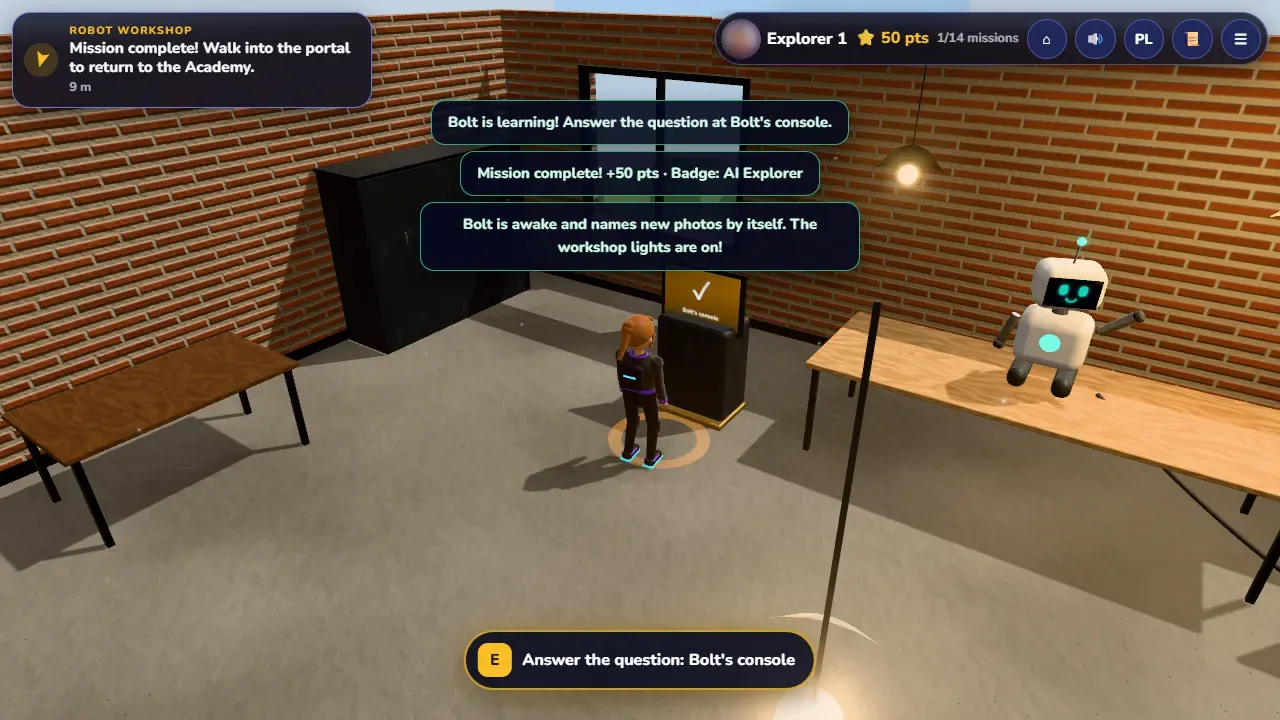
05 · Reaction The world responds: the robot wakes up and the workshop lights come on. The next mission opens.
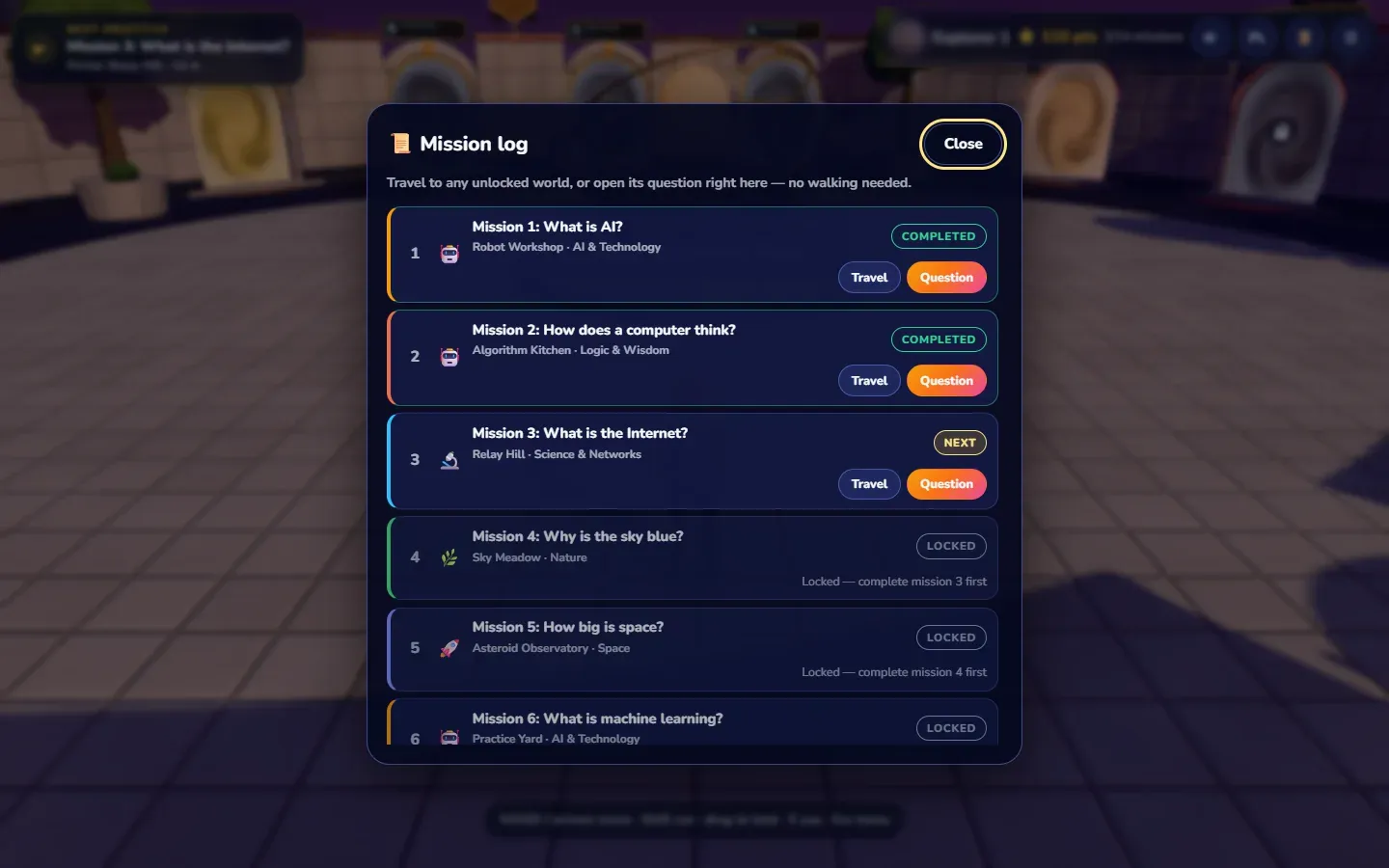
06 · Progress The mission log: completed, next and locked. It travels to any open world or opens its question without walking, the route that works without the 3D view.
14 worlds, 5 families
One pocket world per mission, each with its own layout, quest and reaction. Six reusable quest mechanics (collect, deliver, activate, repeat, sort, choose) keep fourteen worlds varied without fourteen rule sets. Geometry, surfaces, skies and sound are generated in code: no downloaded 3D models or audio packs.
-
AI & Technology4 worlds
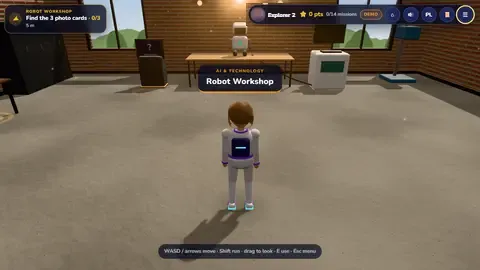
01Robot WorkshopPhoto cards for a learning scanner
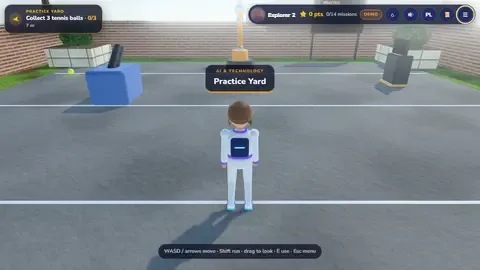
06Practice YardPractice throws for a robot arm
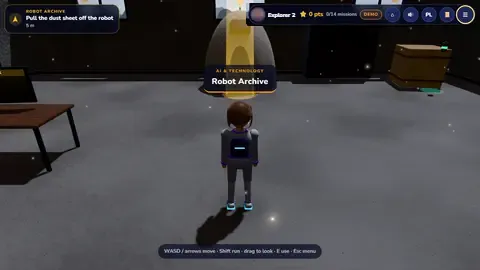
07Robot ArchiveWake an old rule-book robot
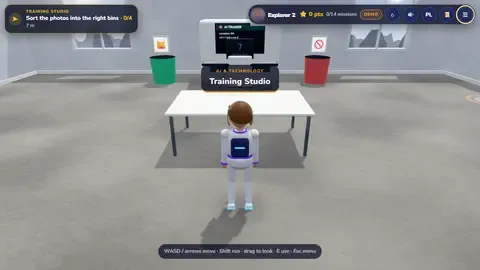
08Training StudioSort photos: cat or not a cat
-
Logic & Wisdom3 worlds
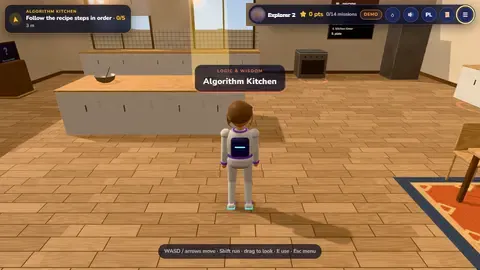
02Algorithm KitchenA recipe followed in exact order
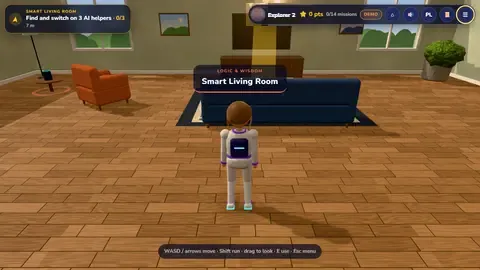
09Smart Living RoomFind three hidden AI helpers
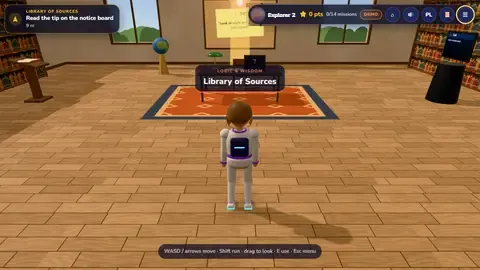
14Library of SourcesCheck a tip against three sources
-
Science & Networks3 worlds
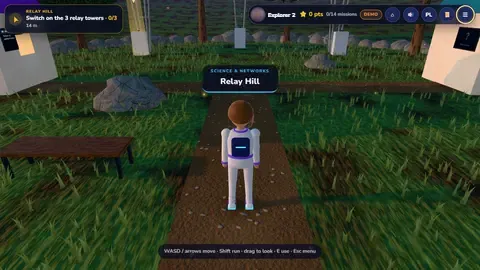
03Relay HillRelay towers carry a message
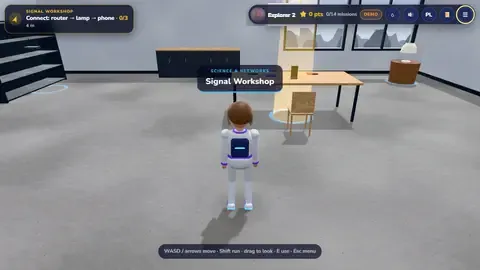
10Signal WorkshopRouter, lamp, phone, in order
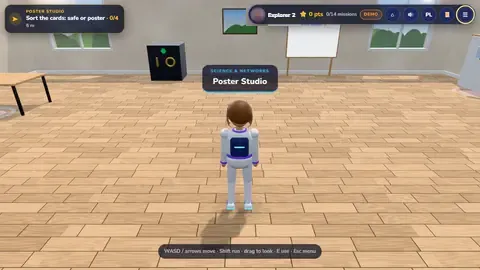
13Poster StudioPrivate details go in the safe
-
Nature2 worlds
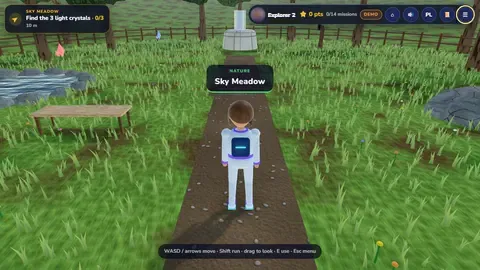
04Sky MeadowLight crystals turn the sky blue
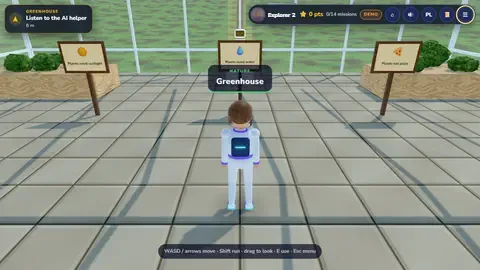
12GreenhouseCatch the AI helper's wrong fact
-
Space2 worlds
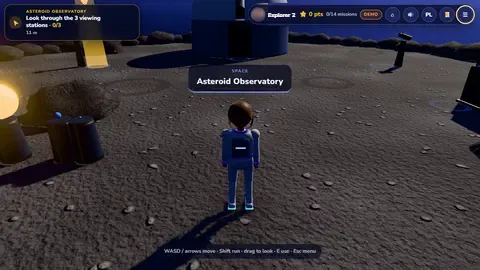
05Asteroid ObservatoryMoon, Sun and galaxy viewers
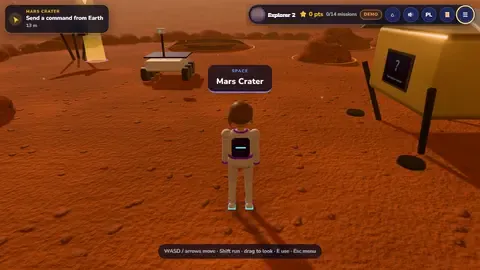
11Mars CraterA rover that decides for itself
What has to be true before an answer counts
Pick what happens to a child's answer, and see which check stops it and what the child sees.
A good answerPasses all 7 checks
- What happens
- A reply with a grade and a real explanation.
- The child sees
- “Great thinking!”, grade A, the explanation and a follow-up question. 50 points, once; the next world opens.
- Tested by
- Browser tests on controlled replies; one end-to-end run on the real model, by me.
A forged requestStops at check 2
- What happens
- A request for a mission that does not exist, with its own prompt.
- Result
- Refused before any AI call, so nothing is spent. A browser's prompt or question fields are never used.
- Tested by
- Unit tests and the independent QA run across all 14 missions.
Too many requestsStops at check 4
- What happens
- The same answer again while it is graded, or a burst of requests.
- The child sees
- “The AI helper is very busy right now. Try again in a minute.” No points, no paid call.
- Tested by
- Unit tests on a simulated clock; a burst against the real server code.
The model is too slowStops at check 5
- What happens
- The model does not answer in time.
- The child sees
- “The AI helper is taking too long to answer.” Progress is kept, and there is at most one paid attempt: the server stops at 15 seconds, the browser at 20.
- Tested by
- Unit tests against a stand-in AI endpoint; browser tests of the timeout.
A broken AI replyStops at check 6
- What happens
- A bare grade with no explanation, no grade at all, or a reply cut off.
- The child sees
- “The AI helper sent a reply we couldn't read.” No points, nothing saved, the next mission still locked.
- Tested by
- Found by the independent review, when a bare grade still paid out. Now checked on the server and in the browser.
A reply after a resetStops at check 7
- What happens
- A reply still on its way when a parent resets that explorer.
- The child sees
- No success message, and nothing is restored. Answers after the reset count as normal.
- Tested by
- Regression tests in unit and browser runs, October 2026.
- 1BrowserSends only the mission, the answer and the language.
- 2Request checkThe mission must exist. Prompt or question fields from the browser are ignored.
- 3Trusted contextThe server adds the real question and its own grading guidance. The answer is fenced off as data.
- 4Cost guardOne grading per answer, 4 at once, 10 a minute and 100 an hour per address, 300 an hour per server.
- 5ModelOne attempt. The server stops at 15 seconds, before the browser does.
- 6Reply checkA grade of A, B or C and a real explanation, on the server and again in the browser.
- 7ProgressPoints once per explorer and mission. Replies from before a parent's reset are dropped.
Failure is a product path
In every failure the tests cover, the child keeps their progress and gets a calm screen with a way on. Without 3D at all, a classic 2D view runs the same missions on the same progress.
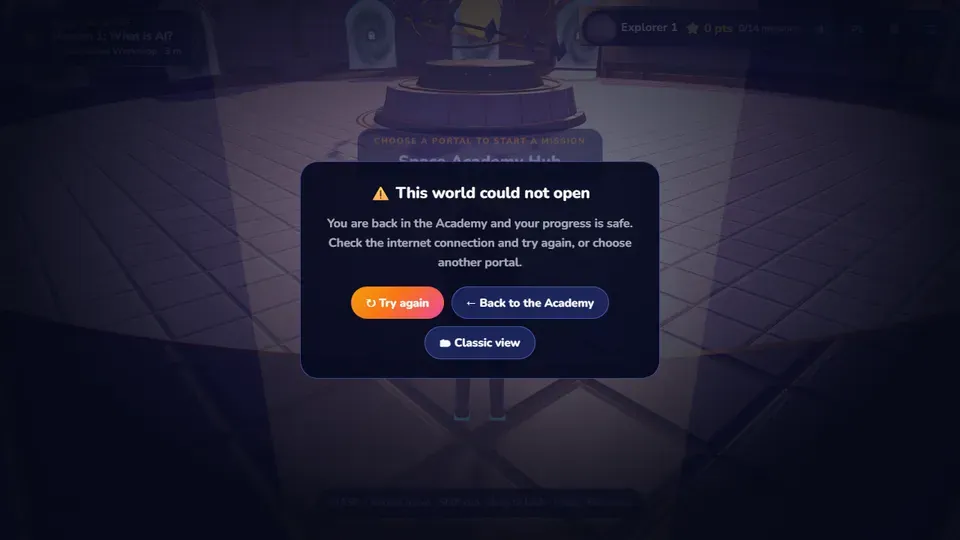
A world fails to loadBack in the hub with progress safe, and a choice: try again, another portal or the classic view. 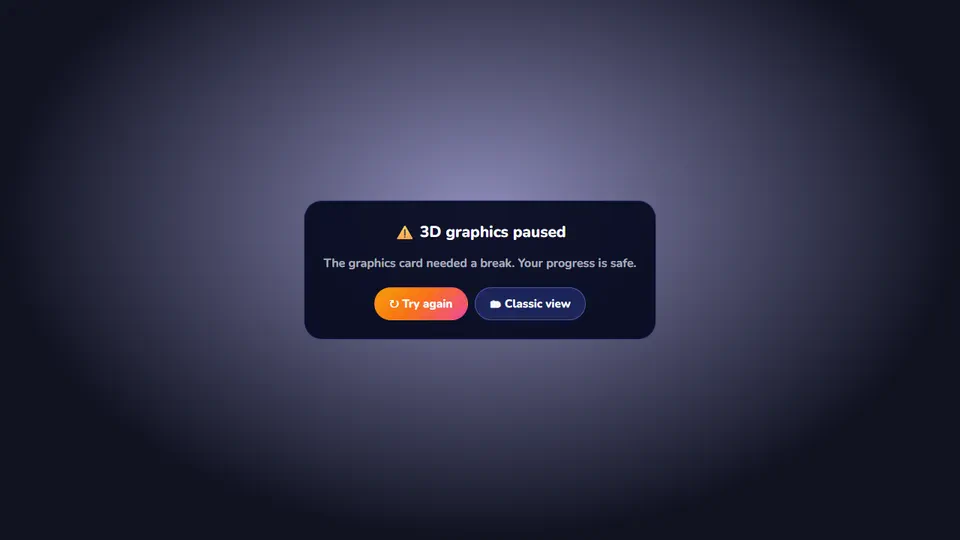
The graphics card drops out3D pauses with progress safe, then recovers or hands over to the classic view. 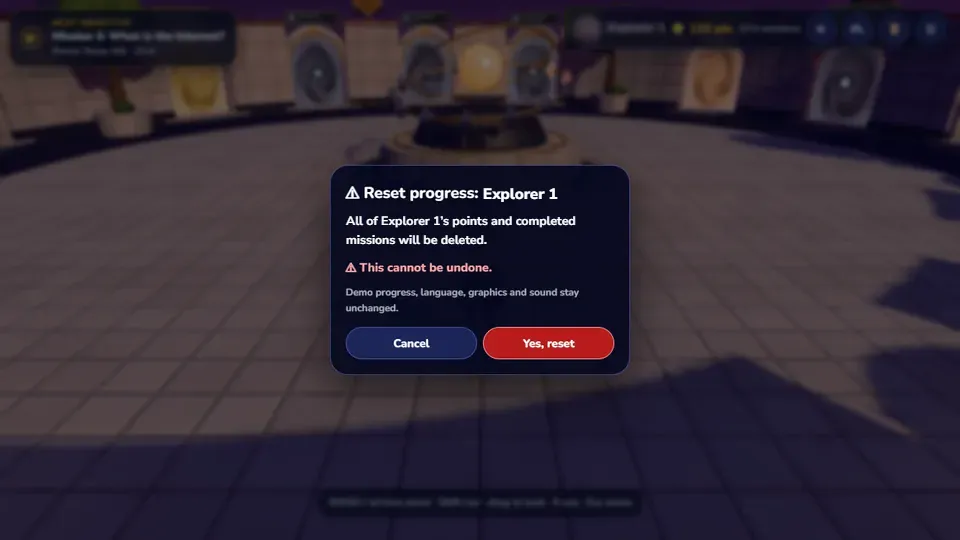
Only a parent resets progressInside Parent settings, per explorer, with a confirmation that names exactly what is lost. Cancel comes first.
04 · Evidence
Tested, reviewed and measured
Milestone 2 was accepted only after independent review and QA.
- Tests
- 112 unit and integration tests. 40 of 40 browser scenarios in the last full run.
- Real model
- One end-to-end run against the real model, done by me.
- Performance
- On the default graphics setting, at least 59.9 frames per second across 17 measured scenes, including the hub and all 14 worlds, at 1080p on an integrated laptop GPU in headless Chrome. The highest setting dips below that and is not claimed to hold it.
- Screenshots
- Real, from the local production build, taken by its browser tests and for its case study. For privacy, the explorer portrait is blurred and the explorers' names are replaced with Explorer 1 and Explorer 2.
05 · Status
Where it stands
What exists, what comes next, and what is deliberately not claimed.
- Status
- Milestone 2 complete and checkpointed, October 2026. Deployment is in preparation: the AI endpoint is being adapted to the chosen host, and an AI spending limit and edge rate limiting come before any public launch. Until then there is no public link.
- Not claimed yet
- Learning or engagement results. Observed play sessions with its two young users come first, then testing on physical phones and with a screen reader.